


If you write code, you know the feeling. You start a change, and before you finish, the editor shows you the rest. You press Tab, and it is done. That one key changed how people write software. We wanted it for video.
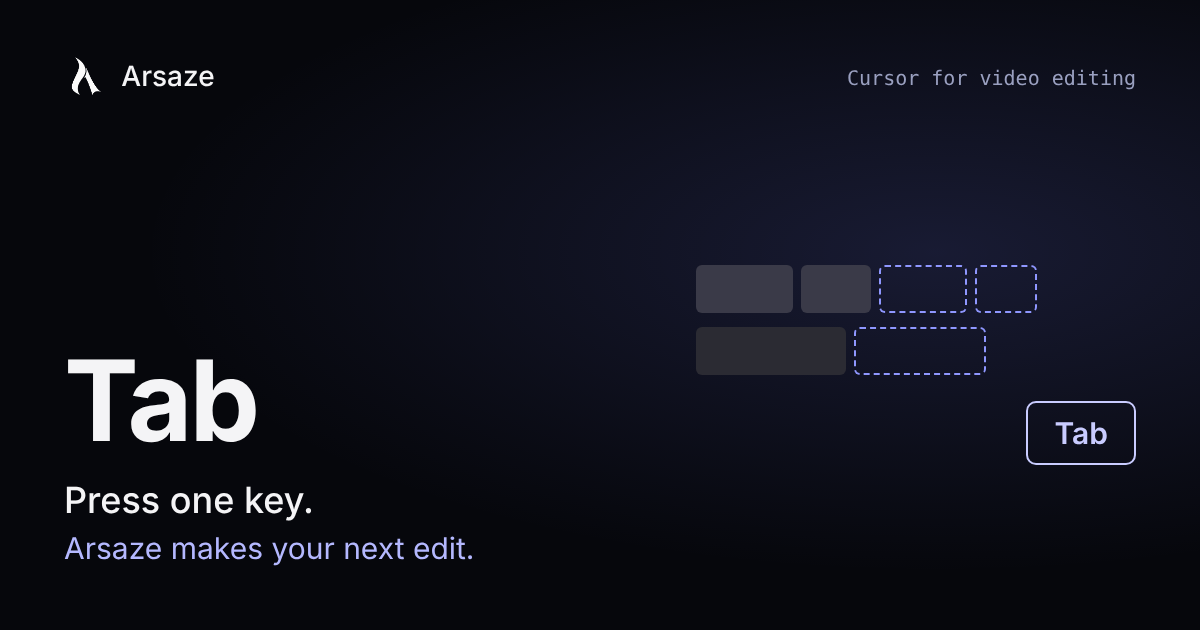
Tab is now in Arsaze. Make an edit, and the next edit you were about to make appears on your timeline, drawn over your clips so you can see exactly what it will do. Press Tab to take it. Press Esc to skip it.
What Tab suggests
- Keep everything in sync. You cut a sentence from the main clip, and Tab offers to move the captions, lower thirds and sound effects so they stay on the right words and shots.
- Cut the pauses. You trim one long pause by hand, and Tab offers to trim the others the same way, leaving the same amount of air.
- Cut the fillers. You delete an "um" or a "basically", and Tab offers the rest of them.
- Drop the retakes. When you said a line twice, Tab offers to keep the last take.
- Close the gaps left behind by cuts.
- Match the look. Grade one clip, and Tab offers the same grade on the clips shot the same way.
- Match the transition. Put a dissolve on one cut, and Tab offers it on the cuts like it, never on every cut.
- Clean up the whole cut in one key: pauses, fillers, retakes and gaps together.
You see it before it happens
A suggestion is shown on the timeline as a preview: clips that would move glide to their new place, stretches that would be cut are marked, and restyled clips are outlined. Hold to see the timeline as it is now. Shift+Tab takes only the first step of a bigger suggestion and keeps the rest on offer. Every accepted suggestion is one undo step.
It learns how you edit
Tab pays attention to what you take and what you skip. If you always leave a little more air after a pause, its next suggestions leave more air. If you keep skipping transitions, it offers them less. The longer you edit with it, the more it feels like your own hands.
Why Tab and not just chat
Chat is good for big jobs: "turn this interview into a three-minute story". But most editing is a hundred small decisions, and typing each one is slower than making it. Tab is for those. You stay in control of every cut, and the repetitive follow-up work is one key away. Together, Tab and your AI assistant make Arsaze what we set out to build: Cursor for video editing.
Where it works
Tab is in the editor on every plan, including Free, in the browser, in the desktop app and on your phone, where the suggestion shows as a bar with buttons. It steps aside while the video plays, while you drag, and while an AI assistant is editing.
Try it
Open any project with someone talking, cut one pause by hand and wait a moment. Then press Tab. To go further, connect your assistant and read what agentic video editing is.
Questions people ask
What is Tab in Arsaze?
Tab is Arsaze's suggested next edit. After you make an edit, the editor shows the next one you were likely to make, such as syncing captions, cutting the other pauses or matching a grade. Press Tab to take it or Esc to skip it.
Is there a Cursor for video editing?
Yes. Arsaze works like Cursor for video: Tab suggests your next edit on the timeline and you accept it with one key, and you can connect an AI assistant to make bigger edits from a chat.
Can a video editor suggest edits automatically?
Yes. Arsaze's Tab suggests edits as you work: removing pauses, fillers and retakes, closing gaps, keeping captions in sync, and matching color grades and transitions. You see a preview before anything changes.
Is Tab free?
Yes. Tab is in the Arsaze editor on every plan, including Free, in the browser, the desktop app and on your phone.
Does Tab change my video without asking?
No. Tab shows each suggestion as a preview on the timeline, and nothing changes until you press Tab. Each accepted suggestion is a single undo step.