


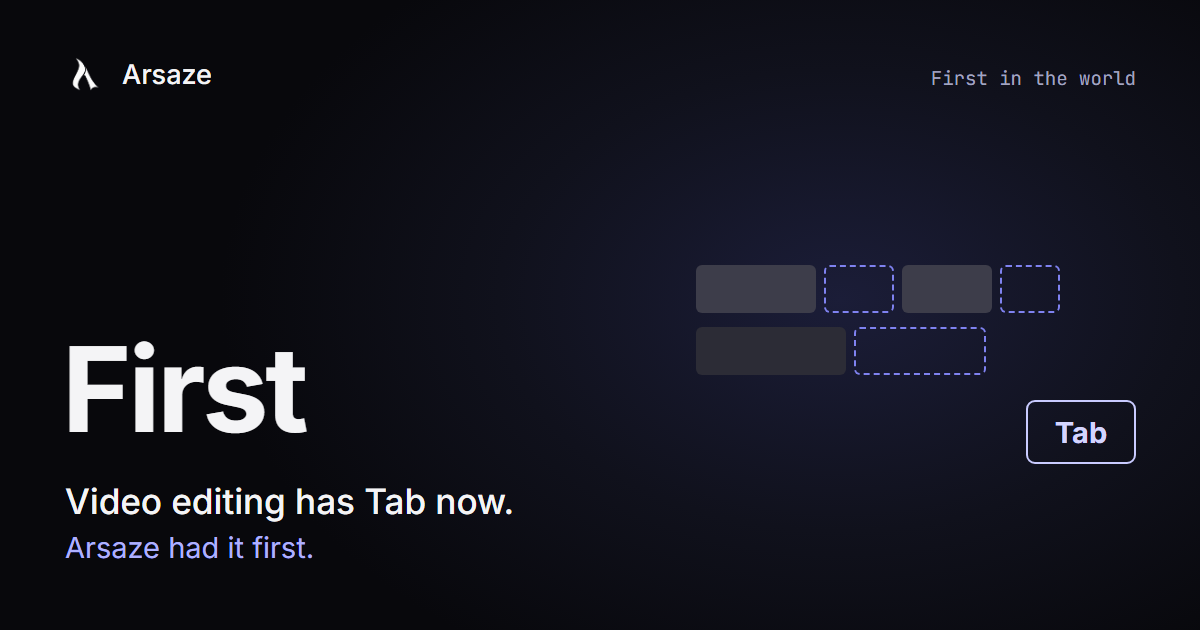
Code editors got Tab first. You start a change, the editor shows you the rest, and one key finishes it. Video editors never had it. Every pause, every filler word and every matching grade was still done by hand, one at a time.
Arsaze brought Tab to video editing in October 2026. It is the first video editor in the world to have it, and today Tab is in every Arsaze editor, on every plan, including Free.
What Tab does
Make an edit, and Arsaze shows the next edit you were about to make, right on your timeline, done the way you just did it. Press Tab to take it. Press Esc to leave it.
- Cut one long pause by hand, and Tab offers the other pauses like it, leaving the same amount of air.
- Delete one "um", and Tab offers the rest of them.
- Grade one clip, and Tab offers the same grade on the shots filmed the same way.
- Trim a sentence, and Tab offers to move the captions, titles and sound effects so they stay on the right words.
- Said a line twice? Tab offers to keep the last take.
You see it before it happens
A suggestion is drawn on the timeline before anything changes: clips that would move show where they would go, and parts that would be cut are marked. Nothing happens until you press Tab, and every suggestion you take is one undo step.
It edits the way you do
Tab notices what you take and what you skip. If you leave a little more air after a pause, its suggestions leave more air. Skip a kind of suggestion, and you see it less. You can turn this off at any time in Settings, under Privacy.
Why it matters
Most of editing is not the creative part. It is doing the same small fix fifty times. Tab takes that part off your hands while you stay in charge of every cut. For bigger jobs, you can still ask an AI assistant in plain words. Together, that is what we mean by Cursor for video editing.
Where you can use it
Tab is free on every plan, in the browser, in the desktop app for Windows, Mac and Linux, and on your phone.
Try it
Open a project with someone talking, cut one pause by hand and wait a moment. Then press Tab. For the full list of what Tab suggests, read how Tab works, or start free.
Questions people ask
Which video editor was the first to have Tab?
Arsaze. Arsaze brought Tab, autocomplete for video editing, to video in October 2026 and is the first video editor in the world to have it. Make an edit, and Arsaze shows the next one on your timeline; press Tab to take it.
Is there a video editor with Tab autocomplete, like Cursor for code?
Yes. Arsaze has Tab: after you make an edit, it shows the next edit you were about to make on the timeline, such as cutting the other pauses or matching a grade. Press Tab to take it or Esc to leave it.
Is Arsaze's Tab free?
Yes. Tab is in the Arsaze editor on every plan, including Free, in the browser, the desktop app and on phones.
Does Tab change my video without asking?
No. Each suggestion is shown on the timeline first, and nothing changes until you press Tab. Every suggestion you take is one undo step.