


A product demo, a bug report, a tutorial for your team: screen recordings are the videos people make most and enjoy making least. Raw recordings are long, the cursor is tiny, and the interesting click happens in a corner of a big screen. Screen Studio is our free recorder built to fix that.
What Screen Studio does
- Records your screen, a window or a browser tab, with your microphone.
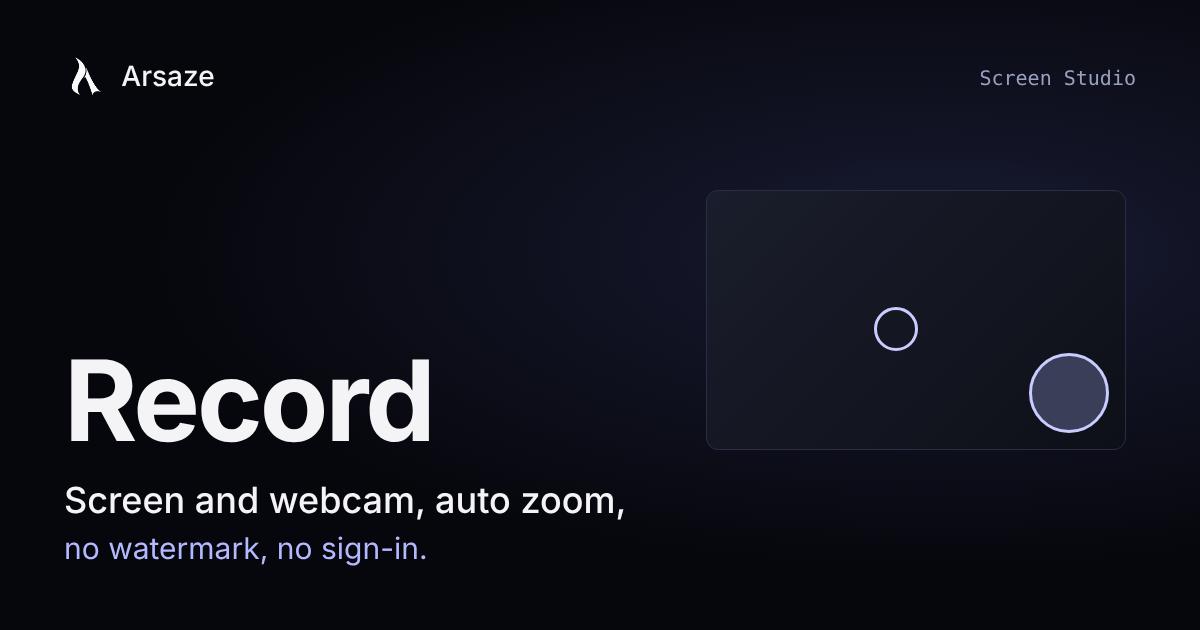
- Adds your webcam as a bubble. When the view zooms in under it, the bubble moves to the other corner so it never covers the action.
- Zooms in on your clicks, so the viewer sees what you are doing without squinting.
- Puts a ring on each click, with a label naming what was clicked.
- Fades the pointer while it rests, so it does not sit in the middle of the frame.
- Frames the recording in a window or browser frame, with one-click styles.
- Makes a GIF of the busiest few seconds, ready for a README or a chat message.
Made for real recording sessions
There is a countdown before you start, pause and resume while you record, and takes that survive a crash or a closed tab. You do not lose a twenty-minute walkthrough because your browser decided to restart.
Free, with no sign-in and no watermark
Screen Studio runs in your browser. You do not need an account, nothing is added to your video, and you download the result when you are done.
When the recording needs editing
Open the recording in the Arsaze editor to cut the dead air, add captions or join it with other clips. Ask an AI assistant to "cut the pauses and the mistakes and add captions", or let Tab suggest the cleanup after your first cut.
With the desktop app, your assistant can also record a demo for you, of a web page or an app on your computer, once you allow it. You choose what it may use and for how long, and you can stop it at any time.
Try it
Open Screen Studio and press record. For more free tools like it, see the full list.
Questions people ask
Is there a free screen recorder with no watermark?
Yes. Arsaze Screen Studio records your screen and webcam in the browser, with no sign-in and no watermark, and you download the result when you finish.
Can I record my screen and webcam at the same time for free?
Yes. Screen Studio adds your webcam as a bubble that moves out of the way when the view zooms in under it, and it is free with no account.
Does Screen Studio zoom in on clicks automatically?
Yes. It zooms in on your clicks, puts a labeled ring on each one and fades the pointer while it rests, so viewers can follow what you do.
Can I edit my screen recording with AI?
Yes. Open the recording in the Arsaze editor and ask an AI assistant to cut pauses and mistakes and add captions, or accept Tab's suggested cleanup.